
This document is the user guide for the Kodak EasyShare V705 dual lens digital camera. It describes the features and characteristics of the camera.
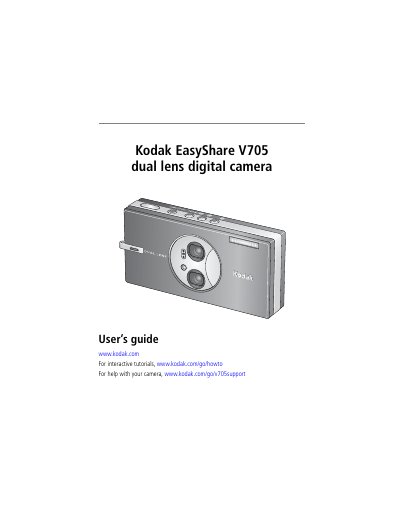
This guide walks you through setting up the Kodak EasyShare V705, including attaching the strap, loading and charging the KLIC‑7001 battery, and inserting an SD or MMC card. It also explains how to turn the camera on, select shooting modes, and adjust settings such as language, date, and exposure.
Further sections cover working with pictures and videos, using the camera’s advanced features like optical zoom, flash, and Perfect Touch technology, transferring files to a computer via USB, printing, and troubleshooting common issues. An appendix provides detailed camera specifications and safety information.
| Image sensor | 1/2.5 in. CCD |
|---|---|
| Maximum picture resolution | 7.1 MP (3072 × 2304 pixels) |
| LCD display | 2.5 in. color hybrid LCD, 960 × 240 pixels |
| Optical zoom | 3× optical zoom |
| Focus system | TTL‑AF; Auto, Multi‑Zone, Center‑Spot |
Use the included 5‑volt AC adapter and charge until all three battery‑charging lights are lit, which takes about two hours.
Press the On/Off button, or press the Auto/SCN, Video, or Favorites button to power the camera on in that mode.