
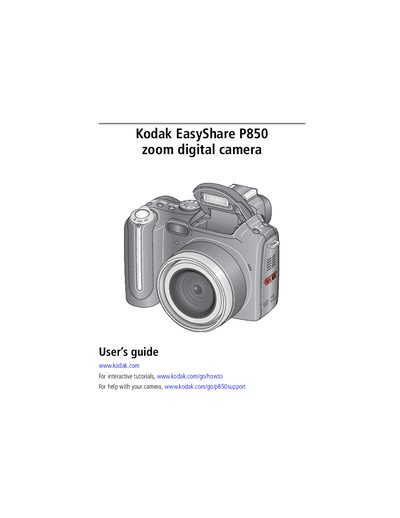
This manual guides you through setting up the Kodak EasyShare P850, including attaching the lens cap, inserting the battery, and configuring language and date/time settings. It also covers basic operation such as taking photos and videos, using zoom, flash, and focus controls.
Additional sections explain how to transfer images to a computer via USB, print using a Kodak EasyShare dock or PictBridge printer, and troubleshoot common camera or connectivity issues. Appendices provide camera specifications, storage capacity details, and warranty information.
Use the power switch on the camera to turn it on or off.
Connect the camera to a computer with the supplied USB cable and use the Kodak software to transfer images.
Visit www.kodak.com/go/support or call the telephone support numbers listed in the manual.