
This document describes the features and specifications of the TM-C3400 printer, including product overview, setup and installation, application development, information processing and maintenance
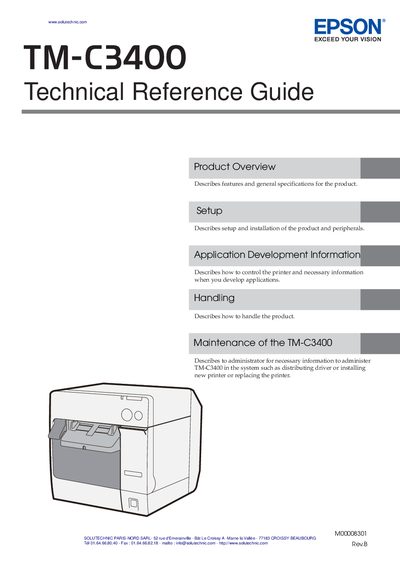
This Technical Reference Guide provides product overview, setup instructions, application development information, handling guidelines, and maintenance procedures for the Epson TM‑C3400 POS printer. It is intended for developers, system integrators, and administrators who need to install, configure, and manage the printer in POS environments.
The guide also contains extensive safety warnings, network management details, and contact information for technical support. It outlines required safety precautions, such as avoiding electric shock and proper cable handling, and explains how to retrieve network information and submit support inquiries.
| Network information | Model name, IP address, location, MAC address, administrator name, status details |
|---|
The manual warns to avoid electric shock by not setting up the product during a thunderstorm, to use a grounded power cable, and to never handle the power plug with wet hands. It also advises careful handling of cables and to keep the product away from liquids and flammable aerosols.
When contacting technical support you should include the printer model name, driver status, connection type, network settings, operating system details, and a description of the problem, along with your contact information.