
This document is about EPSON RC+ 3.5.0 release notes, which contains the latest information about this release and the things that need to be known before using this software
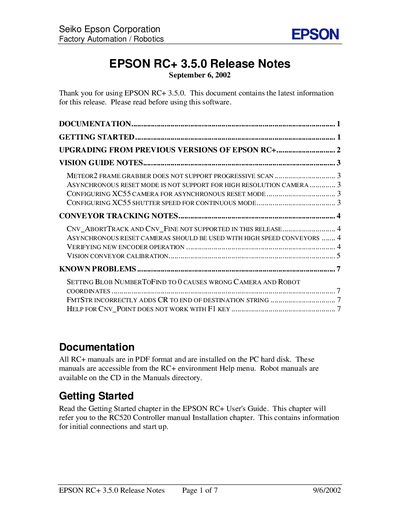
The Epson RC+ 3.5.0 release notes provide important information for users upgrading from earlier versions of the RC+ software. It includes instructions for preparing the Windows environment, details on supported cameras, and guidance for configuring vision and conveyor tracking features.
Additional sections describe known issues such as Blob NumberToFind handling, FmtStr formatting quirks, and help topics that may not function as expected, along with suggested work‑arounds.
You must first upgrade Windows NT 4.0 to Windows 2000 Professional before installing EPSON RC+ 3.5.0.
Asynchronous reset mode is supported for XC55 and STC-1100 cameras only.
Set NumberToFind to a value greater than 0 to work around the problem.
Remove the CR using the Left$ function.