
Epson Stylus Photo TX800FW is a printer that combines wireless connectivity and high-quality printing of documents and photos. It features an Italian designed piano black body exuding style and substance.
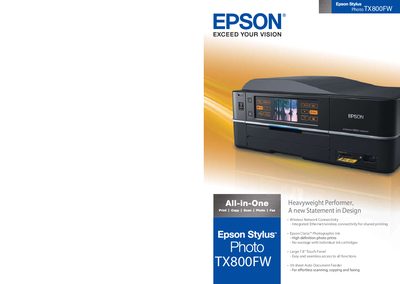
The Epson Stylus Photo TX800FW is an all‑in‑one printer with printing, copying, scanning, faxing and photo capabilities. It features a large 7.8" tilt‑adjustable touch panel, dual paper trays, optional duplex printing, and an auto document feeder that holds up to 30 sheets. Wireless LAN and Ethernet connectivity let multiple users share the printer at home or in the office.
The printer uses Epson’s Micro Piezo print head technology with six‑color Claria™ photographic ink, delivering high‑resolution prints up to 5760 dpi and a fast print speed of up to 40 pages per minute. Individual ink cartridges reduce waste, and the device supports a range of Epson software tools for easy photo editing and printing.