
The Epson Stylus SX125 printer is a compact, fuss-free all-in-one that makes it easy to print documents and lab-quality photos. It uses Epson DURABrite Ultra ink, which is perfect for all your home printing because it gives you long-lasting Epson quality on a wide range of media. The printer also features water, smudge, highlighter and fade resistance.
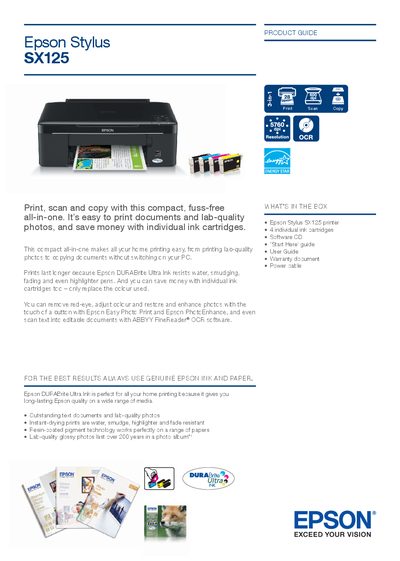
This guide introduces the Epson Stylus SX125, a compact all‑in‑one printer that prints, scans, and copies. It includes a quick start checklist, a description of what’s in the box, and tips for using Epson DURABrite Ultra Ink and the included software.
The manual also lists detailed product specifications such as print resolution, speed, scanning capabilities, power consumption, and supported media sizes, along with warranty and support information.
| Print resolution | Up to 5760 × 1440 dpi |
|---|---|
| Scan resolution | 600 × 1200 dpi |
| Ink system | Epson DURABrite Ultra Ink |
| Power consumption (copying) | ≈ 9.9 W |
| Power consumption (sleep mode) | ≈ 1.7 W |
| Dimensions (W × D × H) | 436 × 804 × 150 mm |
| Weight | 3.9 kg |
| Noise level | 5.6 B(A) |
| Interface | USB 2.0 |
| Ink cartridges | 4 individual cartridges (Black, Cyan, Magenta, Yellow) |
| Ink cartridge part numbers | 71281, 71282, 71283, T1284 |
It uses four individual ink cartridges – Black, Cyan, Magenta, and Yellow – with part numbers 71281, 71282, 71283, and T1284.
The printer can produce up to 5760 × 1440 dpi optimized resolution on suitable media.
In sleep mode the printer consumes approximately 1.7 W.
The printer is compatible with the USB 2.0 specification.