
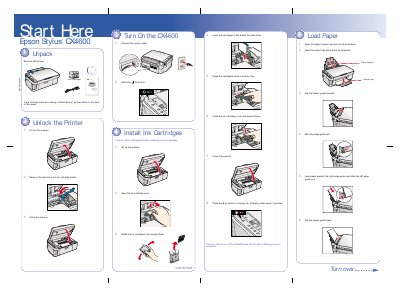
This manual walks you through unpacking the printer, loading ink cartridges, loading paper, and powering on the CX4600. It also covers basic operation steps such as copying, printing, and scanning.
The guide details software installation for Windows and Macintosh systems, explains how to add the printer in the operating system, and provides troubleshooting tips for error lights, paper jams, and print quality issues, along with contact information for Epson technical support.
| Supported Windows OS | Windows 98SE, Me, 2000, XP |
|---|---|
| Supported Mac OS | Mac OS 9.1‑9.2.2, OS X 10.2.x‑10.3.x |
Make sure the CX4600 is not connected, insert the CD, click Install, follow the on‑screen prompts, connect the USB cable when asked, and restart the computer.