
The AD7650 is a 16-bit, 570 kSPS, charge redistribution SAR, analog-to-digital converter (ADC) that provides 0 V to 2.5 V analog input voltage range, 5 V/3 V interface, SPI™/QSPI™/MICROWIRE™/DSP compatibility and single 5 V supply operation.
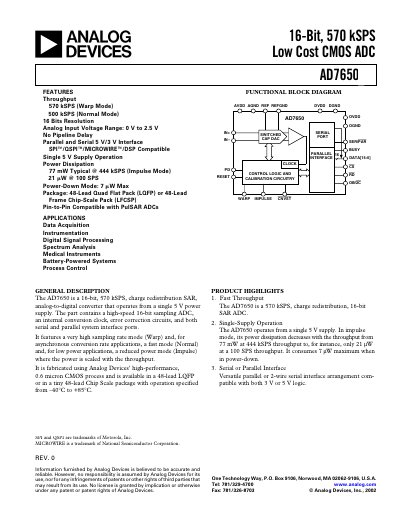
The AD7650 is a 16‑bit, 570 kSPS charge‑redistribution SAR analog‑to‑digital converter that operates from a single 5 V supply. It offers both parallel and serial (SPI/QSPI/MICROWIRE) interfaces, multiple operating modes (Warp, Normal, Impulse) and low power consumption that scales with throughput.
Available in 48‑lead LQFP and 48‑lead LFCSP packages, the device operates from –40 °C to +85 °C and is suited for data‑acquisition, instrumentation, DSP, spectrum analysis, medical instruments, battery‑powered systems and process control.
| Resolution | 16 Bits |
|---|---|
| Maximum Throughput (Warp Mode) | 570 kSPS |
| Analog Input Voltage Range | 0 V to 2.5 V |
| Power Dissipation (Typical, 444 kSPS) | 77 mW |
| Supply Voltage | 5 V single‑supply |
| Package Options | 48‑lead LQFP or 48‑lead LFCSP |
| Input Bandwidth | 18 MHz |
| Signal‑to‑Noise Ratio (100 kHz) | 87 dB |
The AD7650 can sample at up to 570 kSPS in Warp mode.
It operates from a single 5 V supply (AVDD = DVDD = 5 V).
The device is offered in a 48‑lead LQFP or a 48‑lead LFCSP package.