
The D-Link DWM-156 User Manual introduces the characteristics of the D-Link DWM-156, including product appearance, package contents, system requirements, hardware overview, LED indicator information, installation, SIM card installation, microSD card installation, software installation, basic functions, software overview, new profile, using default profile (preset), user-defined profile, establishing a connection, ending a connection, profile management, connection management, current connection, connection history, usage management, usage, usage statistics, text messaging (SMS) and new/reply.
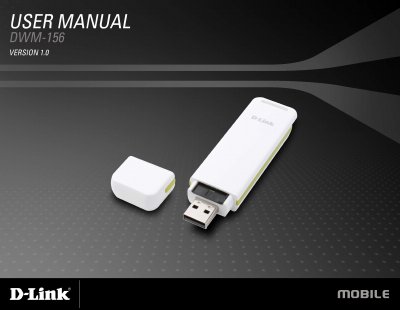
The manual introduces the DWM-156 3.75G HSUPA USB adapter, describing its compact design, supported network standards, and key features such as plug‑and‑play operation, LED status indicators, and a MicroSD card slot for storage. It also lists package contents and system requirements for Windows and Mac OS X computers.
Installation sections guide users through inserting a SIM card and a MicroSD card, installing the adapter’s driver software, and configuring profiles and connections. Subsequent chapters cover basic functions, SMS messaging, contact management, and troubleshooting, while the technical specifications detail hardware, performance, and environmental parameters.
| Supported Operating Systems | Windows 2000/XP/Vista or Mac OS X 10.4.0 or higher |
|---|---|
| Processor Requirement | Pentium 500 MHz or greater |
| Memory Requirement | 128 MB RAM or greater |
| Disk Space Requirement | 50 MB available |
| Interface | USB 2.0 |
| Antenna | Internal monopole antenna |
| LED Indicator | Five‑color LED provides status information |
| MicroSD Card Support | Up to 8 GB |
| Dimensions (L×W×H) | 86.75 mm × 28 mm × 11.4 mm |
| Operating Temperature | -10 °C to 55 °C |