
D-Link DCS-1110 Wireless Network Camera User Manual, introduces the features and characteristics of this product, including hardware configuration, connection methods, installation methods, etc.
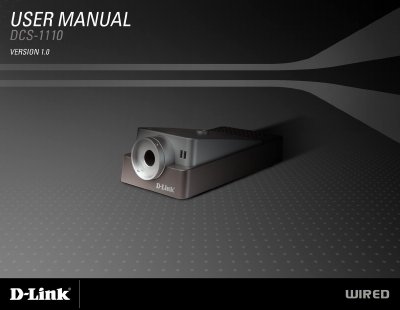
The DCS-1110 is a stand‑alone PoE Internet Camera with a built‑in CPU and web server. It offers remote snapshot, recording, low‑light capture (0.5 lux), and can store video directly to a NAS. The camera connects via RJ‑45 to 10/100 Mbps Ethernet and supports 802.3af Power over Ethernet, eliminating the need for a separate power supply.
Installation is straightforward: attach the optional 5.0 V/2.5 A power adapter or use PoE, connect the Ethernet cable, and verify the LEDs. The web‑based interface and the IPView SE application allow configuration of network settings, security passwords, recording options, and motion detection. The manual also covers firmware updates, troubleshooting, and warranty information.
| Power Supply | 5.0 V, 2.5 A |
|---|---|
| Network Interface | 10/100 TX PoE Internet Camera |
| PoE Standard | 802.3af |
| Light Sensitivity | 0.5 lux |
| Ethernet Port | RJ‑45 for 10Base‑T / 100Base‑TX |
Press and hold the reset button for ten seconds; the Power LED will flash and the camera will revert to factory defaults.
The camera can record in as little as 0.5 lux of light.
Yes, it supports 802.3af PoE and can be powered by a compatible PoE injector or switch.
A PC with a 1.3 GHz processor, 128 MB RAM, Windows XP/2000 and Internet Explorer 6.0 or later.