
D-Link DHP-343 User Manual introduces the features and characteristics of the D-Link DHP-343 product, including system requirements, product overview, hardware overview, connection, hardware installation, push button security, using the setup wizard, configuration, setup, security, application QoS, advanced QoS, system, troubleshooting, and technical specifications.
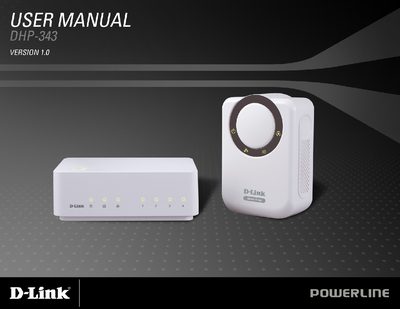
The DHP-343 Powerline HD 4‑Port Starter Kit lets you extend Ethernet networking over household electrical wiring. It supports up to 200 Mbps data rates, offers one to four 10/100 Ethernet ports, and includes features such as QoS, firmware upgrades, push‑button security, and a management utility.
The manual covers hardware details (LED status, port connections), how to install and secure the network with the push‑button, and troubleshooting steps for the Powerline HD utility. Technical specifications for ports, EMC compliance, power input, safety, encryption, temperature, and humidity are listed in the appendix.
| Network Ports | One to Four 10/100 Ethernet ports |
|---|---|
| EMC – FCC | Part 15 Class B |
| EMC – CE | Class B |
| AC Input | 100 ~ 240 VAC 50‑60 Hz |
| Safety Certification | UL 60950 |
| Storage Temperature | -10 °C ~ 70 °C |
| Humidity (Operation) | 10 % ~ 90 % RH |
Press the push‑button security on the device to secure the network.
Reinstall the utility.