
This document is the user manual for the D-Link DSL-321B ADSL modem. The manual contains detailed information on installation, setup, troubleshooting, and more. The modem has several features and characteristics, including support for ADSL internet service, support for different connection modes, and network statistics and diagnostics.
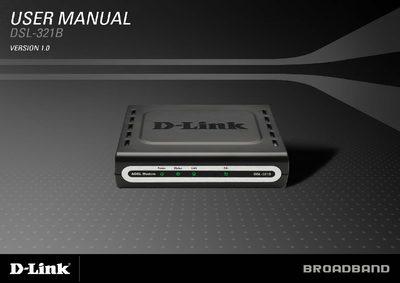
This manual covers everything needed to install and operate the D-Link DSL-321B ADSL modem, including package contents, hardware overview, and step‑by‑step installation instructions. It also explains how to configure network settings, use the web‑based interface, and perform advanced functions such as PPPoE/PPPoA, DHCP, and bridge mode.
Additional sections provide networking basics, static IP configuration, troubleshooting tips, and a full list of technical specifications such as supported ADSL standards, data rates, and interface types.
| Downstream data rate (G.dmt) | up to 8 Mbps |
|---|---|
| Upstream data rate (G.dmt) | up to 1 Mbps |
| LAN interface | RJ‑45 10/100BASE‑T Ethernet |
| ADSL interface | RJ‑11 connector for telephone line |
Open the network connection properties, select Internet Protocol (TCP/IP), choose “Use the following IP address,” and enter an IP address on the same subnet as the modem (e.g., 192.168.1.X). Set the default gateway and DNS to the modem’s LAN IP address, then save the settings.
Any common web browser with JavaScript enabled can be used, such as Internet Explorer 6+, Opera, Netscape Navigator 6.2.3+, or later versions.