
The D-Link DCS-2130 User Manual introduces the product overview, package contents, system requirements, hardware overview, installation, configuration, use, setup, network setup, dynamic DNS, image setup, audio and video, preset, motion detection, time and date, event setup, application, SD card, advanced, digital input/output, HTTPS, access list, maintenance, device management, backup and restore, firmware upgrade, status, device information, logs and help.
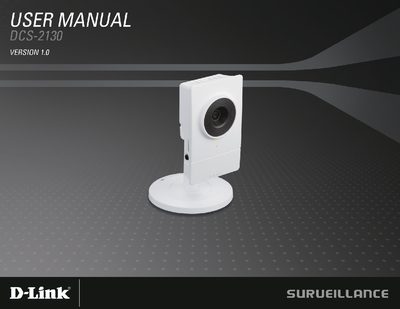
This manual introduces the D-Link DCS-2130 network camera, listing package contents, system requirements, and hardware overview. It explains the camera's lens, LEDs, microphone, power connector, Ethernet port, adjustment ring, WPS button, and other physical features.
Installation steps guide you through the CD‑ROM setup wizard, wireless WPS configuration, and web‑based configuration menu. Later sections cover event setup, motion detection, firmware upgrade, maintenance, and technical specifications such as power consumption, operating temperature, and certifications.
| Operating System | Microsoft Windows 7/Vista/XP/2000 |
|---|---|
| Supported Browsers | Internet Explorer, Firefox, Netscape, Opera |
| Power Consumption | 2.5 watts |
| Maximum Power Input | 5 VDC 1.2 A, 50/60 Hz |
| Operating Temperature | 0 °C to 40 °C |
| Storage Temperature | -20 °C to 70 °C |
| Weight | 69 g |
| Certifications | CE, CE LVD, FCC (Class B), C‑Tick |
The package contains the DCS-2130 network camera, a CAT5 Ethernet cable, a power adapter, a camera stand, and a CD‑ROM with the user manual and software.
Press and hold the Reset button for 10 seconds to reset the camera.