
Ls2Win is Delta-T's third generation PC support software for the popular DL2e data logger. Running under the 32-bit Windows® family of operating systems, it can: program the logger, interrogate and control the logger, retrieve and display recorded data, import data into Microsoft® Excel®.
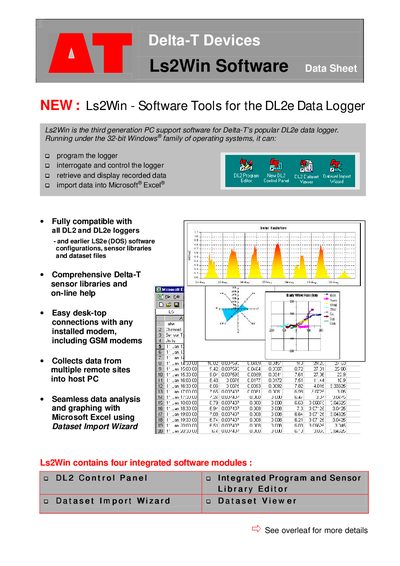
Ls2Win is a third‑generation Windows‑based PC application for Delta‑T’s DL2e data logger. It provides tools to program the logger, interrogate and control it, retrieve recorded data, and import the data into Microsoft Excel. The software includes a control panel, program and sensor library editors, and a Dataset Import Wizard that integrates directly with Excel.
The program runs on any 32‑bit Windows system (Windows 95/98/NT4/2000 or later) with a Pentium™ or better CPU, a CD‑ROM drive, and Excel 97 or later for the import wizard. Ls2Win is supplied free with new DL2e loggers and is also available as an upgrade for existing systems, with single‑logger, five‑logger, and ten‑logger licences.
| Operating system | 32‑bit Windows (95, 98, NT4, 2000, etc.) |
|---|---|
| CPU requirement | Pentium™ or better |
| Excel requirement | Excel 97 or later |
| Supported loggers | DL2 and DL2e loggers (and earlier LS2e) |
| License options | Single, five, or ten logger licences |
Ls2Win runs on any 32‑bit Windows system, such as Windows 95, 98, NT4, 2000, or later.
The Dataset Import Wizard adds an Import Dataset command to Excel’s File menu, guiding the user through importing one or more datasets directly into a worksheet.
Ls2Win can be purchased with a single‑logger licence, a five‑logger licence, or a ten‑logger licence.
A Pentium™ or better PC with a CD‑ROM drive and a 32‑bit Windows operating system is required.