
This document is the user manual for NETGEAR ReadyNAS Duo devices, which details the functions and usage methods of the device
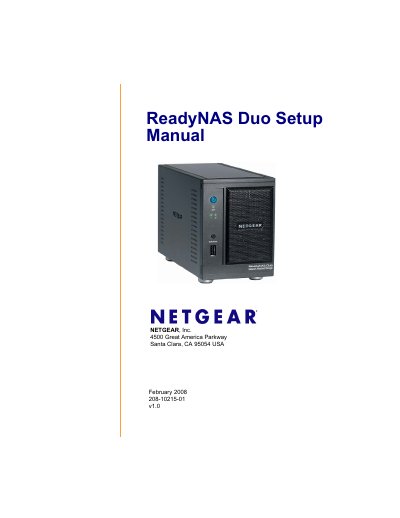
The ReadyNAS Duo Setup Manual provides step‑by‑step instructions for connecting the ReadyNAS Duo to your network, installing the RAIDar utilities, and configuring shares, users, and services. It covers preparing the device, installing software on Windows, Linux and Mac OS X, and using the web‑based Setup Wizard.
Additional sections explain how to locate the device’s IP address, set up printers, register the product for warranty support, and manage global settings such as Ethernet and clock configuration. The manual also includes a hard‑drive compatibility disclaimer and legal notices.
| RAIDar utility size | approximately 40 MB |
|---|---|
| RAIDar Widget for Mac size | approximately 500 KB |
Load the Resource CD, then run the installation wizard; if Autorun does not start automatically, double‑click Autorun.exe to begin the installation.
You can view the device’s IP address on your router’s attached‑devices page or use the command nmblookup ‑R VOLUME in a terminal to discover it.