
D-Link DHP-P306AV is a fast 200Mbps powerline communication adapter that allows you to connect your home computers, networking devices, and gaming devices through the electric powerlines, enabling you to share internet connections, printers, transfer files, play games, and more.
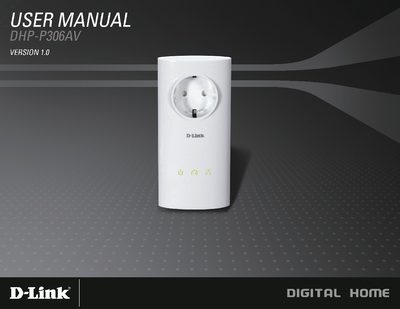
This manual introduces the DHP-P306AV Powerline AV Passthrough Network Adapter, describing its package contents, system requirements, and key features such as 200 Mbps data rates, integrated power socket, and push‑button security. Detailed hardware overview sections explain LED indicators, port connections, and power specifications.
Installation steps cover hardware placement, Ethernet cable connection, and enabling power‑saving mode. The guide also explains how to configure the encryption key using the security button, provides troubleshooting tips, and lists technical specifications for the device.
| Network Ports | One 10/100 Ethernet port |
|---|---|
| Passthrough Power Socket Rating | 250 V / 16 A maximum |
| AC Input | 100‑240 V AC, 50/60 Hz, 0.1 A |
| EMC | CE Class B |
| Encryption | 128‑bit AES |
| Storage Temperature | -10 °C ~ 70 °C |
| Humidity (Operation) | 10 % ~ 90 % RH |
| Humidity (Storage) | 5 % ~ 90 % RH |
Press and hold the Reset button for 1 second.