
This document is a user manual for a wireless router, which introduces the functions and use methods of the router.
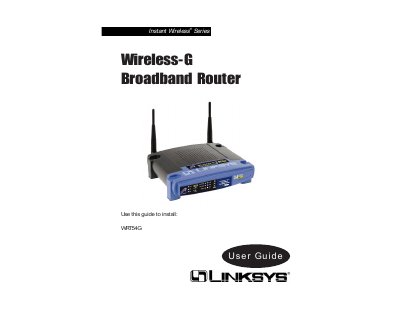
This guide provides step‑by‑step instructions for setting up the Linksys WRT54G Wireless‑G Broadband Router, including hardware connections, basic configuration via the web‑based utility, and security settings such as WEP encryption and VPN pass‑through. It also covers network concepts like IP addressing, DHCP, and NAT, helping users create a secure home or office network.
Additional sections describe the router’s front‑panel LEDs, reset procedures, and detailed troubleshooting tips. Appendices contain technical specifications, warranty information, and contact details for Linksys support.
| Wireless standard | 802.11g (54 Mbps) |
|---|---|
| Number of Ethernet ports | 4 (10/100 Mbps full‑duplex) |
| Security encryption | Up to 128‑bit WEP |
| DHCP server capability | Enabled, assigns IP addresses automatically |
| VPN pass‑through | IPSec and PPTP |
The Power LED lights green when the power adapter is connected correctly and the router is receiving power.
Open a web browser and navigate to the router’s default IP address (usually 192.168.1.1) to launch the web‑based utility.