
This document provides a user guide for the Wireless-G ADSL Home Gateway, including icon descriptions, online resources, copyright and trademark information, etc.
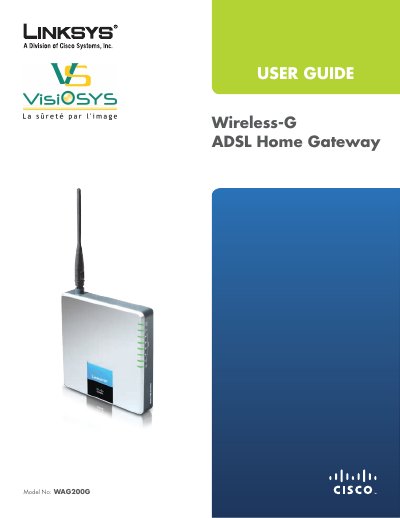
This guide provides a complete overview of the Linksys WAG200G Wireless‑G ADSL Home Gateway, including hardware description, LED indicators, and front‑ and back‑panel functions. It walks users through installation steps, from connecting DSL and Ethernet cables to powering the device and accessing the web‑based configuration utility.
The manual also covers wireless security best practices, advanced configuration options such as QoS, VPN passthrough, and detailed specifications. Appendices contain troubleshooting tips, regulatory information, and a full list of technical specifications.
| Model Number | WAG200G |
|---|---|
| Standards | IEEE 802.11g, IEEE 802.11b, IEEE 802.3u, IEEE 802.3, g.992.1 (g.dmt), g.992.2 (g.lite), g.992.3, g.992.5, T1.413i2, U‑R2 for Annex B |
| Transmit Power | 18 dBm |
| Dimensions | 140 x 140 x 27 mm (5.51" x 5.51" x 1.25") |
| Weight | 350 g (12.35 oz) |
| Power Supply | 12 VDC, 1 A |
Press and hold the Reset button for approximately five seconds, or use the Administration > Factory Defaults screen.