
This is the user guide for Linksys Wireless-G Internet Home Monitoring Camera WVC54GCA (EU)
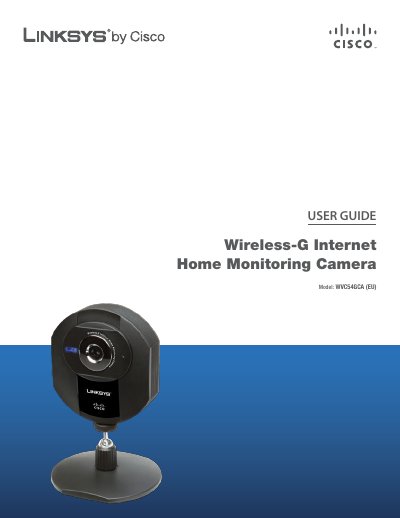
The guide introduces the Linksys WVC54GCA (EU) Wireless‑G Internet Home Monitoring Camera, describing its front, back, and bottom panels, LEDs, microphone, Ethernet port, and reset button. It also outlines the default login credentials (admin/admin) and basic security considerations.
Installation steps cover connecting the power adapter and Ethernet cable, running the Setup Wizard, configuring network settings (DHCP or static IP), selecting wireless security (WEP, WPA/WPA2), and finalizing camera placement. Advanced configuration via the web‑based utility, troubleshooting tips, specifications, warranty, and regulatory information are also included.
| Standards | IEEE 802.11g, IEEE 802.3, IEEE 802.3u |
|---|---|
| Ports | Ethernet, Power |
| Number of Antennas | 1 |
| Image Sensor | CMOS |
| Resolution | 640 x 480, 320 x 240, 160 x 128 |
| Compression Algorithm | MPEG-4 and MJPEG |
| Power | 5V 1A |
| Dimensions | 90 x 120 x 37 mm |
| Weight | 130 g |
| Operating Temperature | 0 to 40 °C |
Press the reset button with a paper clip and hold it for five seconds; this erases all settings and restores factory defaults.
The default username is admin and the default password is admin.
The camera supports WEP‑64, WEP‑128, WPA, and WPA2 security protocols.