
This document is the user guide for the Linksys WRV200 Wireless-G VPN Router. It describes the features and characteristics of the router.
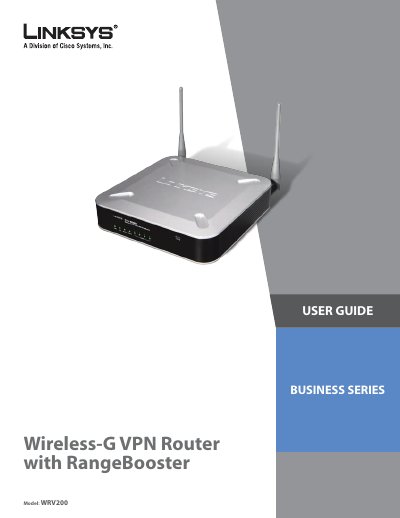
This guide provides step‑by‑step instructions for installing and configuring the Linksys WRV200 Wireless‑G VPN Router with RangeBooster. It covers hardware overview, web‑based utility access, basic and advanced settings, VPN setup, QoS, firewall, and troubleshooting.
Additional sections detail planning a wireless network, virtual private network concepts, hardware specifications, regulatory information, and warranty details, helping small‑office and home‑office users secure and manage their network. This manual is written in Chinese.
| Model | WRV200 |
|---|---|
| Standards | IEEE802.11g/b, IEEE802.3/u, 802.1x, 802.11i‑Ready, 802.11e‑Ready |
| Ports | 1 Power, 4 LAN, 1 Internet (10/100 RJ‑45) |
| NAT Throughput | 93 Mbps |
| IPSec Throughput | 23 Mbps (3DES) |
| Power | 12 V 1 A |
| Wireless Data Rates | 802.11b: 1‑11 Mbps; 802.11g: 6‑54 Mbps |
The router can handle up to 93 Mbps of NAT throughput.
Yes, it supports up to five VLANs and can map four LAN ports and four SSIDs to those VLANs.