
This manual introduces the basic operation of DV-980H DVD player, including installation, connection, playback, setting and so on.
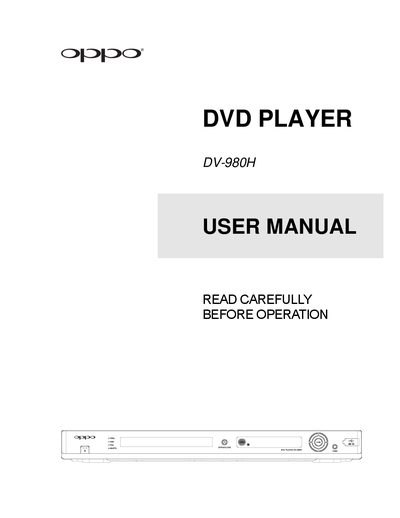
This manual covers safety precautions, installation, and connection options for the OPPO DV-980H DVD player. It explains how to connect power, audio/video cables, remote control, and battery, and provides detailed menu setup instructions.
Basic and advanced operation sections describe disc playback, audio settings, subtitle and angle selection, and special features such as DivX and USB playback. Warranty information and service contacts are included at the end of the document. This manual is written in Japanese.
| Power Input Range | AC 100V‑240V, 50/60Hz |
|---|
The acceptable power input range is AC 100V‑240V, 50/60Hz.
Visit the OPPO registration website at http://www.oppodigital.com/registration.asp.
Immediately cut off power and contact your dealer or service center.