
This document is about the OPPO BDP-93 NE self-upgrade instructions. It provides detailed steps and instructions on how to upgrade the OPPO BDP-93.
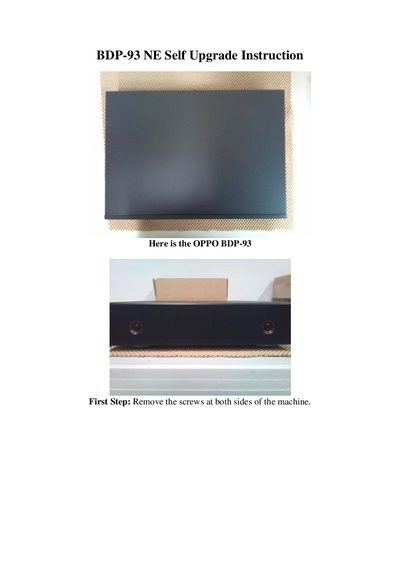
This manual provides detailed instructions for performing a self‑upgrade on the OPPO BDP‑93 Blu‑ray player. It walks you through removing screws, opening the chassis, disconnecting the AC socket, and swapping the original OPPO board with the new NE board.
After reassembly, the guide explains how to reinstall the top cover, apply the optional NE sticker, and update the player’s firmware if a newer version is available. Contact information for further assistance is also included.
Remove the highlighted screws and the AC socket by unclipping the highlighted plugs, then cut the zip‑tie.
Install the NE board in the same spot as the original OPPO board, replace all screws and plugs, then reinstall the AC socket.
Upgrade the OPPO’s firmware if a new version is available by following the instructions on the support website.