
This document is the instruction manual for the Sony AM/FM radio. It explains how to use the radio, how to change the batteries, and how to set the functions.
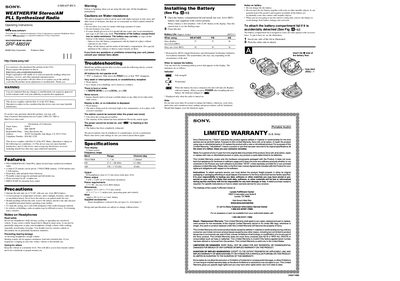
The Sony SRF-M85W is a wearable armband radio that receives WEATHER, FM and AM bands with a PLL‑synthesized tuner. It offers up to 25 preset stations, a stopwatch, pitch timer, and Mega Bass for enhanced audio. The unit runs on a single AAA battery and is water‑resistant for light rain or snow.
This manual provides safety precautions, battery installation, clock setting, channel step adjustments, and detailed instructions for using the radio, presetting stations, and the built‑in timer functions. Troubleshooting tips and technical specifications are included to help users maintain optimal performance.
| Frequency range (FM) | 87.5 – 108 MHz |
|---|---|
| Frequency range (AM) | 530 – 1710 kHz |
| Frequency range (WEATHER) | 1‑7 channels |
| Output power (headphones) | 5 mW + 5 mW (10 % THD) |
| Power requirements | 1.5 V DC, one AAA (R03) battery |
| Dimensions | 95.5 × 69.3 × 37.5 mm (W × H × D) |
| Mass | 88.3 g |
| Supplied accessories | Stereo headphones, arm band |
The radio can store up to 5 WEATHER stations, 15 FM stations and 5 AM stations, for a total of 25 preset stations.
It operates on a single 1.5 V AAA (R03) battery, which is not supplied with the unit.
Press POWER, then DISPLAY to enter clock mode, hold TUNE/TIME SET +/‑ while holding MODE for more than 5 seconds; the step will toggle between 10 kHz and 9 kHz depending on the region.