
The TH8320U and TH8321U Touch Screen Universal Programmable Thermostats provide electronic control of 24 Vac heating and cooling systems or 750 mV heating system. See Table 1 for a general description.
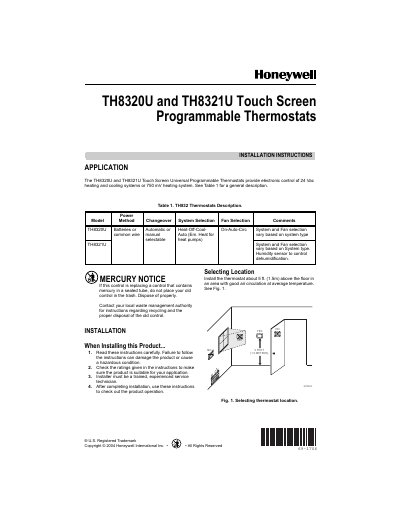
The guide provides step‑by‑step instructions for installing the TH8320U/TH8321U thermostats, including selecting a proper mounting location, mounting the wallplate, and connecting the wiring according to system type. It also covers power options, battery installation, and how to secure the thermostat to the wallplate.
After installation, the document describes how to set the real‑time clock, configure system and fan defaults, use the installer setup menus, and access advanced features such as humidity sensing (TH8321U) and dual‑fuel heat pump operation. Safety warnings and mercury disposal notes are included throughout.
| Power method | 24 Vac heating and cooling or 750 mV heating |
|---|---|
| Power source options | Three AAA alkaline batteries or 24 Vac common wire |
| Humidity sensor | Included on TH8321U for dehumidification control |
| Battery type | AAA alkaline (3 batteries, included) |
The thermostats can be powered either by three AAA alkaline batteries or by a 24 Vac common wire.
Remove the tab on the back of the thermostat, then use the arrow keys to set the date and time and press the Done key.