
T8131 and T8132 thermostats provide energy savings for single-stage heating and cooling applications while providing reliable, precise temperature control.
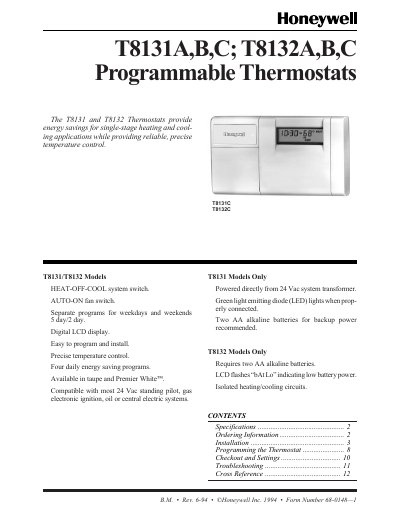
The T8131 and T8132 programmable thermostats provide energy‑saving temperature control for single‑stage heating and cooling systems. They are available in taupe and Premier White, with models offering eight or twelve program keys and optional battery backup.
The manual covers specifications, mounting, wiring, battery installation, programming of heating and cooling schedules, fan and system switch adjustments, and detailed troubleshooting steps for common issues such as low battery warnings and fan operation.
| Set point range | 45°F to 88°F (7°C to 31°C) |
|---|---|
| Operating ambient temperature range | 40°F to 110°F (4°C to 43°C) |
| Electrical rating | T8131: 24 Vac; T8132: Battery operated (2 AA alkaline) |
| System and fan current rating | 1.2 A run; 7.5 A inrush |
Press and release the Set Clock/Day button, then use the Ahead or Back keys to adjust the time; press the button again and use Ahead or Back to set the day, then press Run Program.
The fan operation switch is factory‑set to “F” for most systems; set it to “E” only for electric heat systems that require the fan to run immediately.