
This document is an air humidifier safety instruction manual, which mainly introduces the use methods and precautions of air humidifiers
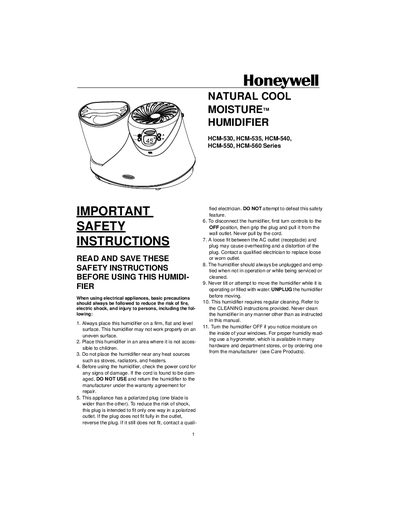
This manual begins with important safety instructions for installing and using the Honeywell Natural Cool Moisture™ humidifier, including placement, power‑cord checks, and proper handling of the polarized plug. It then guides you through initial set‑up, filling the tank, and preparing the AgION‑treated filter.
Subsequent sections cover operation modes (high, medium, low power), humidity and timer settings, remote‑control use, weekly cleaning, disinfecting, filter care, storage, troubleshooting common issues, and warranty details. Accessories and replacement parts are also listed.
| Humidity range | 40% – 85% |
|---|---|
| Timer range | 1 – 10 hours |
| Power modes | High, Medium, Low (continuous run) |
| Recommended water temperature | Cool water |
The humidifier is operating normally; dry air passes through the wet filter and the fan dispenses invisible moisture. Monitor the water level to ensure proper operation.