
This document describes the features and characteristics of the ASUS T-P5G43 desktop barebone, including the Time and IR LED display available in some models.
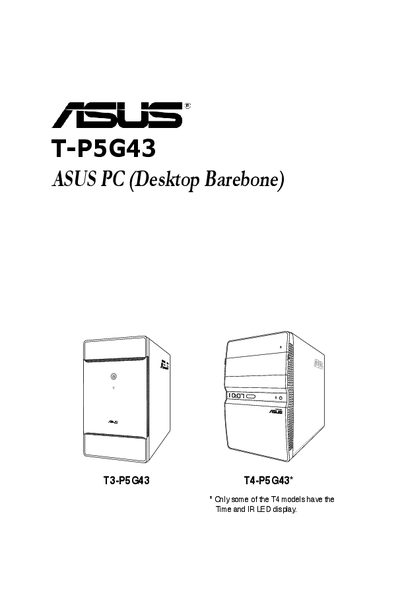
This guide covers the ASUS T-P5G43 barebone system, including an overview of the front and rear panels, internal components, and system features. It walks users through basic installation steps such as installing the CPU, memory, expansion cards, and power supply.
Additional sections describe how to start up the system, use the support CD, configure BIOS settings, and integrate drivers. The appendix includes power‑supply specifications, remote‑control usage, and instructions for integrating an AHCI driver into a Windows XP installation.
| Maximum environmental temperature | 35°C |
|---|
The system can operate up to a maximum ambient temperature of 35 °C.
Press the key during the Power‑On Self‑Test (POST) to access the BIOS setup.
Enter the BIOS setup, select "Configure SATA as" from the Main menu, and choose "AHCI".