
This document is the user's guide for the Texas Instruments MSP-FET430P140 Flash Emulation Tool. The tool is designed for the MSP430F13x/14x ultra-low power microcontroller. The document provides information on the kit contents and software installation process.
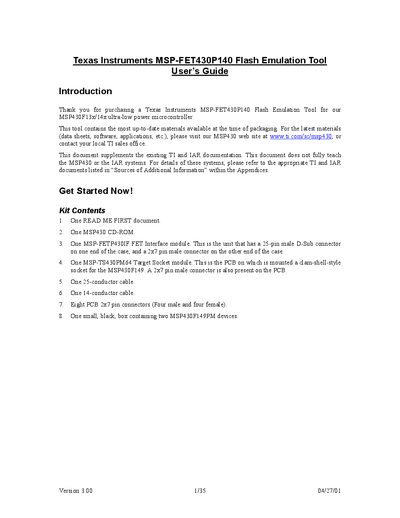
The guide introduces the MSP-FET430P140 Flash Emulation Tool, a hardware interface for programming and debugging Texas Instruments MSP430 ultra‑low‑power microcontrollers. It lists the kit contents, describes the required cables and connectors, and explains how to install the IAR KickStart development environment on a Windows PC.
Detailed sections cover hardware wiring, software configuration, development flow, project settings, and the two debugging modes (Realtime and Non‑Realtime). The document also provides troubleshooting tips, additional assembler directives, and legal notices.
| Interface connector | 25‑pin male D‑Sub |
|---|---|
| Target connector | 2×7 pin male |
| Cable to PC | 25‑conductor cable |
| Cable to target socket | 14‑conductor cable |
| R6 resistor value | 82 Ω |
| Maximum C code size | 2 KB |
Use the 25‑conductor cable to connect the FET Interface module to the PC’s parallel port, and the 14‑conductor cable to the Target Socket module.
Make sure R6 is 82 Ω, the correct parallel port (LPT1/2/3) is selected, and no other software (e.g., printer or ZIP driver) is using the parallel port.
The C compiler is limited to a maximum of 2 KB of generated code.