
This manual introduces the basic usage methods of G1-P7P55E ASUS PC (desktop barebone).
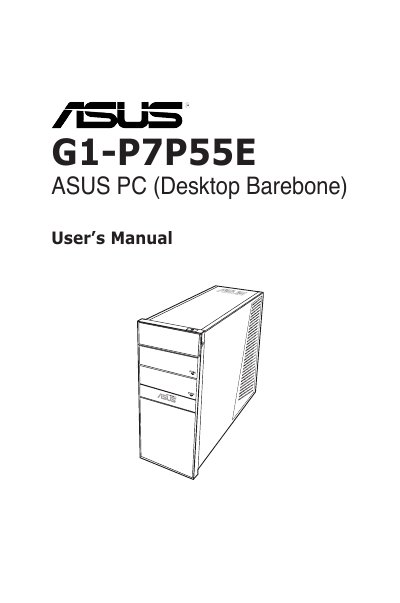
This guide covers the ASUS G1-P7P55E barebone system, including safety information, system introduction, and detailed hardware installation steps. It walks users through preparing the chassis, installing the CPU, DIMM modules, expansion cards, storage drives, and connecting peripherals.
Later chapters describe how to power up the system, install the operating system from the support DVD, and configure BIOS settings such as boot order, hardware monitoring, and advanced features like ASUS EZ Flash 2 and Express Gate.
| PCI Express x1 slot | Present |
|---|---|
| PCI Express x16 slots | Present |
| DIMM slots | Supported |
| Hard disk drive bay | Supported |