
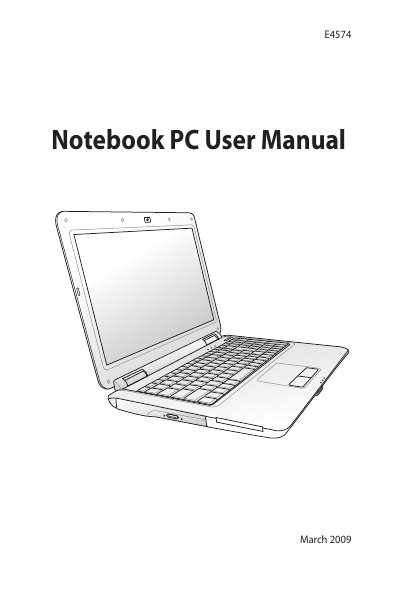
This manual is the user manual of the E4574 notebook computer, which mainly introduces the safety precautions, preparation work, touchpad usage, and the appearance of the notebook computer.
This manual covers essential safety precautions such as disconnecting AC power, removing the battery before cleaning, and avoiding exposure to liquids, strong solvents, and magnetic fields. It also explains proper disposal of the notebook and battery to comply with environmental regulations.
The guide walks you through preparing the notebook, installing the battery and power adapter, opening the LCD panel, turning on the device, and using key features like the touchpad, headphone and microphone jacks, USB ports, and VGA output. Detailed instructions for adjusting screen brightness, scrolling, and other touchpad gestures are included.
| Monitor output | 15‑pin D‑sub VGA compatible |
|---|---|
| Headphone jack | 1/8 inch stereo |
| Microphone jack | 1/8 inch mono |
Disconnect the AC power, remove the battery pack(s), and wipe the notebook with a clean cellulose sponge or chamois cloth dampened with a non‑abrasive detergent solution, then dry any moisture.
Press the Fin key together with F5 to decrease or F6 to increase the LCD brightness.
Place two fingertips on the touchpad and slide them up, down, left, or right to scroll the window.