
This document is an English user manual that describes the features and characteristics of the ET1611 series All-in-one PC from ASUSTeK COMPUTER INC. It covers topics such as product appearance, touch screen usage, positioning, and keyboard and mouse connection.
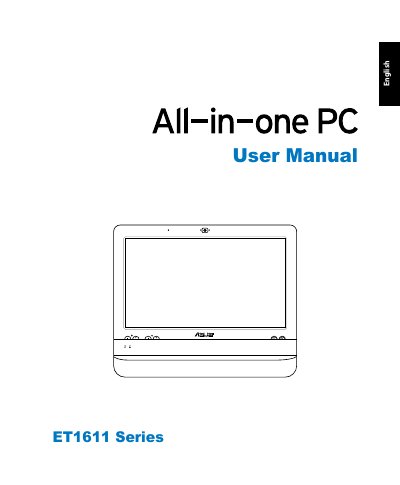
This manual covers everything you need to get started with the ASUS ET1611 All-in-one PC, including safety information, package contents, hardware overview, touch‑screen usage, and how to connect keyboards, mice, speakers, and other peripherals. Detailed steps are provided for configuring wired and wireless network connections, setting up audio output, and calibrating the screen.
The guide also explains how to use the hidden recovery partition, outlines wireless operation channels for different regions, and includes regulatory compliance information such as FCC, CE, and ENERGY STAR requirements. Mounting instructions and battery safety warnings are provided to ensure safe installation and use.
| Wireless frequency (North America) | 2.412‑2.462 GHz, Channels 1‑11 |
|---|---|
| Wireless frequency (Japan) | 2.412‑2.484 GHz, Channels 1‑14 |
| Wireless frequency (Europe ETSI) | 2.412‑2.472 GHz, Channels 1‑13 |
| Battery type | Lithium‑Ion |
Press
In Europe (ETSI) the device uses the 2.412‑2.472 GHz band on channels 1 through 13.
Yes, it must be mounted to an approved arm (e.g., with a GS mark) to ensure stability.