
This document is the user guide for KODAK 8000C Digital Panoramic and Cephalometric Extraoral Imaging System, which introduces the cephalometric features of the system, including the system components, operation steps, maintenance precautions, etc.
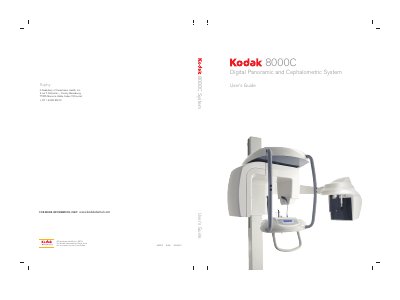
This guide introduces the Kodak 8000C digital panoramic and cephalometric unit, describing its mobile components, functional parts, sensor locations, and control panel. It also outlines the imaging software, system requirements, and the various radiological examinations the system can perform, such as panoramic, lateral cephalometric, and TMJ imaging.
The manual covers step‑by‑step procedures for starting the unit, creating patient records, acquiring images, routine maintenance, and quick troubleshooting. Error codes, safety warnings, and recommended actions are provided to help users keep the system operating safely and efficiently.
| Model number | 8000C |
|---|---|
| Supported radiological examinations | Panoramic, Maxillary Sinus, Temporomandibular Joints (TMJ), Lateral cephalometric, Frontal (PA or AP) cephalometric, Oblique cephalometric, Submento‑vertex cephalometric, Carpus cephalometric |
Error code I1 means the X‑Ray tube is cooling; wait until the generator cooling indicator reaches zero.
Press the reset control to return the rotative arm to the start position.