
This is the user manual of Kodak EasyShare CX7530 zoom digital camera, which introduces the basic functions and usage methods of the camera
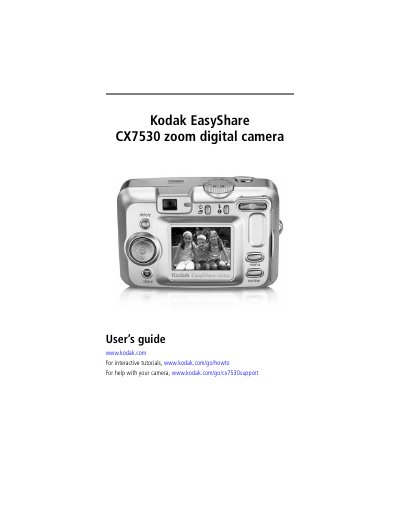
This guide walks you through getting started with the Kodak CX7530 digital camera, including package contents, battery installation, and basic controls such as the mode dial, power light, and viewfinder. It also covers how to take photos and videos, use optical and digital zoom, and adjust camera settings.
Later sections describe how to review, delete, and protect images, share pictures via USB, SD/MMC card, or EasyShare dock, and print using a PictBridge‑compatible printer. The appendix provides full camera specifications, power‑saving tips, and regulatory information.
| CCD sensor size | 1/2.5 in. |
|---|---|
| Maximum image resolution | 2560 × 1920 (5 MP) |
| LCD display | 1.8 in., 640 × 240 pixels |
| Optical zoom | 3× (34‑102 mm, f/2.7‑4.6) |
| Digital zoom | 1‑5× |
| Battery type (standard) | 2 AA non‑rechargeable starter batteries |
Connect the camera’s A/V Out port to the television using the supplied cable.