
This is an instruction manual for a Kodak EasyShare M1073 IS digital camera
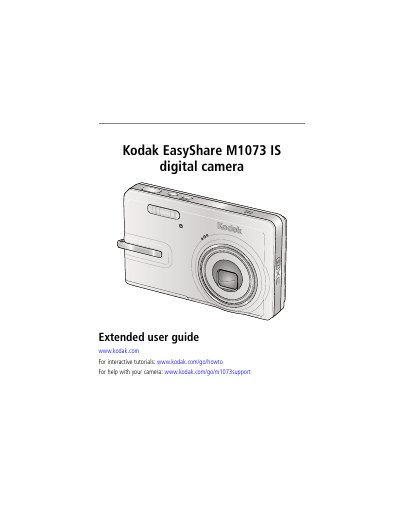
This guide covers everything needed to get started with the Kodak EasyShare M1073 IS digital camera, including attaching the strap, loading and charging the battery, inserting an SD/SDHC card, and configuring basic settings such as language and date/time. Detailed descriptions of the camera’s buttons, menus, and shooting modes help users capture photos and videos.
Later sections explain how to transfer images to a computer via USB, print pictures, use the optional printer dock, tag and organize media, and troubleshoot common issues. An appendix provides full camera specifications, maintenance tips, and warranty information.
| CCD sensor size | 1/2.33 in. |
|---|---|
| Effective megapixels | 10.2 MP |
| Optical zoom | 3X |
| Maximum resolution | 3680 x 2760 pixels (10.2 MP 4:3) |
| Lens aperture | f/2.9–f/5.2 |
Turn OFF the camera and charge it until the Battery Charging light turns off, which can take up to three hours.
Connect the USB cable to the computer’s USB port (not a hub) while the computer is on.