
This is the user manual of Kodak EasyShare C613 zoom digital camera. It introduces the features and usage of the camera.
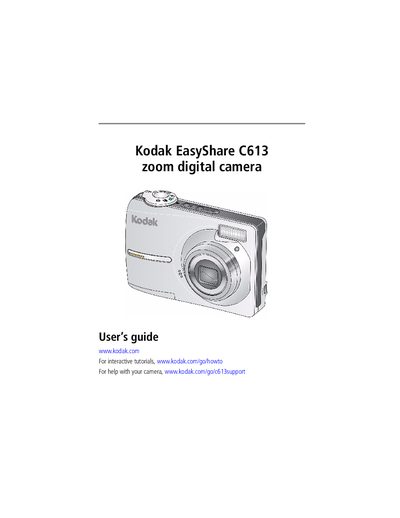
This guide covers everything you need to start using the Kodak EasyShare C613 digital camera, from attaching the strap and loading batteries to configuring language, date, and storage options. Detailed instructions show how to take photos and videos, use optical zoom, flash, and Perfect Touch technology, and customize picture‑taking settings.
Additional sections explain how to transfer and print images, install software, troubleshoot common issues, and maintain the camera. An appendix provides full technical specifications and warranty information.
| Image sensor | 1/2.5 in. CCD, 4:3 aspect ratio |
|---|---|
| Maximum image size | 6.1 MP (2848 x 2134 pixels) |
| Color display | 2.5 in. (6.35 cm), 115K (480 x 240) pixels |
| Lens | 3× optical zoom, f/2.7–f/4.8, 36‑108 mm (35 mm equiv.) |
| Working distance range | 0.6 m to infinity (normal), 0.13–0.7 m (macro) |
| Digital zoom | 5.0× continuous with 0.2× increments |
| Exposure metering | Multi‑pattern, center‑weight, center‑spot |
| Exposure compensation | ±2.0 EV in 0.5 EV steps |
Turn off the camera, insert or remove the optional card, then turn the camera back on.
Press the shutter button halfway to focus; when the framing brackets turn green, press the shutter button fully down to capture the image.
Use the Menu button, select the language/date‑time option, and follow the prompts to adjust the settings.