
The KODAK ESP 5200 Series All-in-One Printer includes information for the ESP 5250 All-in-One Printer and ESP 5260 All-in-One Printer. It provides information about printer overview, configuring the printer, handling paper, and printing pictures.
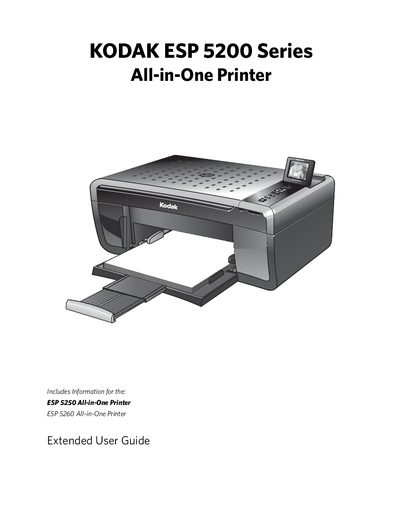
The guide introduces the ESP 5200 Series All-in-One Printer, detailing its components, control panel, and Home Center software for Windows and Macintosh. It explains how to connect via Wi‑Fi, use the LCD, and manage paper trays and ink cartridges.
It then walks users through configuring printer settings, handling paper, printing photos, copying, scanning, and performing routine maintenance. Troubleshooting tips, safety specifications, and warranty information are also included.
| Wi‑Fi connectivity LED | present |
|---|---|
| Printhead with ink cartridges installed | installed |
| Memory card slot | present |
| Plain paper tray capacity | 13 sheets |
Use the wireless network settings in Home Center Software to configure the SSID and WPA/WPA2 passphrase.
Open the printer access door, remove the printhead, and replace the ink cartridges as described.
Open the scanner lid and gently wipe the scanner glass with a lint‑free cloth.