
This document is an extended user guide for the KODAK EASYSHARE Camera M532, describing the features and functions of the camera.
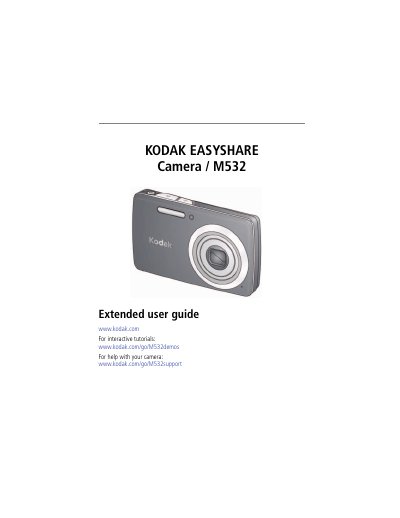
This guide walks you through setting up the Kodak M532 camera, including attaching the strap, loading and charging the KLIC‑7006 Li‑Ion battery, and turning the camera on. It explains how to insert an SD/SDHC card, adjust basic settings, and use the LCD and buttons for capturing photos and videos.
The manual also covers advanced functions such as using optical and digital zoom, flash, various shooting modes, editing and sharing pictures and videos, installing software, and troubleshooting common issues. An appendix provides full technical specifications, care and maintenance tips, and warranty information.
| Effective pixels | 14 MP (4320 x 3240) |
|---|---|
| LCD size | 2.7 in (6.9 cm), 230K dots |
| Maximum SD/SDHC card size | 32 GB |
| Optical zoom | 4X (f/3.2–f/5.9) |
| Shutter speed range | 1/8–1/1600 seconds |
| ISO speed (auto) | 64–400 |
You can charge the Li‑Ion battery via the included USB cable, an external charger, or the computer’s USB port; a blinking green light indicates charging and a steady green light indicates a full charge.
The camera uses SD or SDHC cards up to a maximum capacity of 32 GB.
Connect the camera to the computer with the supplied USB cable and use Kodak’s software to download and manage the images.