
This document is an application note for DD-6448BE-1B with EVK board. This document provides the function, feature and usage of the product.
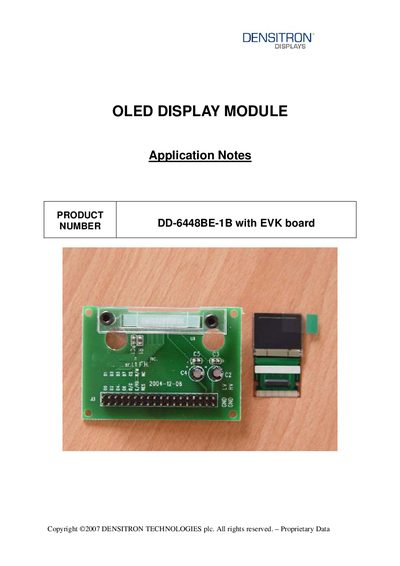
This application note provides detailed information for using the Densitron DD-6448BE-1B OLED display module together with the Evaluation Kit (EVK) board. It includes the EVK schematic, symbol definitions for the 8080‑parallel interface, timing characteristics, and wiring diagrams showing how to connect the OLED module to the EVK.
The document also offers a recommended initial C code sequence to initialize the display, explains the function of each control pin (RES#, CS#, D/C#, etc.), and gives practical assembly tips for the TCP‑package module. The timing tables list required voltage ranges, clock cycle times, and pulse widths for reliable operation.
| Supply Voltage (VDD) | 2.4 to 3.5 V |
|---|---|
| Operating Temperature (TA) | -40 to 85 °C |
| Clock Cycle Time | 300 ns |
| Write Data Setup Time | 40 ns |
| Write Data Hold Time | 15 ns |
| Read Data Hold Time | 20 ns |
| Chip Select Low Pulse Width (read) | 20 ns |
| Chip Select Low Pulse Width (write) | 60 ns |
| Rise Time | 15 ns |
| Fall Time | 15 ns |
Pull the RES# pin low; this initiates the chip’s initialization sequence.
The EVK board is hard‑wired to an 8080‑series parallel interface, using pins DO‑D7, RD#, WR#, CS#, and other control lines.