
Explains the safety precautions for using the LCD monitor, as well as warning information
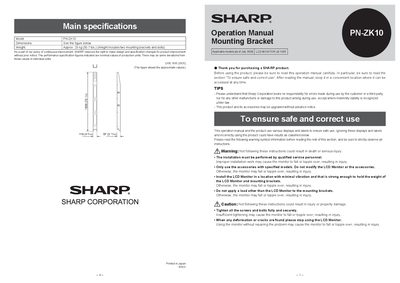
This operation manual explains safe use of the Sharp PN-ZK10 LCD Monitor, including warning symbols, liability notices, and precautions to prevent injury or damage. It also lists the main specifications and the accessories supplied with the unit.
The manual details the installation procedure, requiring qualified service personnel, a hoisting device, and at least four people. Step‑by‑step instructions cover moving, mounting, bolting, and securing the monitor to H‑shaped steel frames, ensuring the monitor is safely attached before use.
| Weight | 23 kg (80.7 lbs) |
|---|
The package includes two mounting brackets, M8, M10, and M16 bolts, washers, spring washers, a countersunk bolt set, and the operation manual.
Installation requires at least four people.
Installation must be performed by qualified service personnel.