
This product manual introduces the features and characteristics of the EL-9400 graphing calculator. The calculator has simplified operations and time-saving features that allow teachers to concentrate on actual teaching.
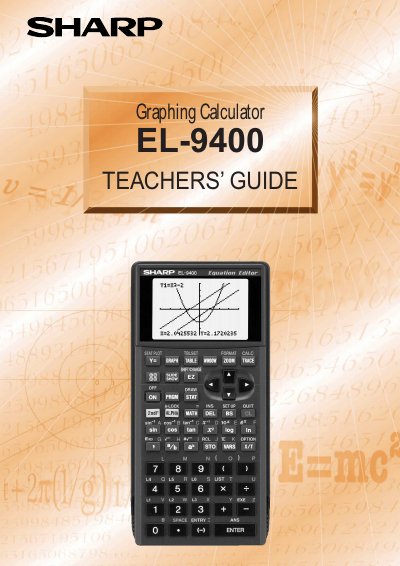
This guide is intended for teachers who use the Sharp EL-9400 graphing calculator in classroom instruction. It introduces the calculator’s key functions, such as the equation editor, shift/change, slide shows, and rapid‑graph tools, with step‑by‑step examples.
The manual covers basic operation, graphing procedures, rapid graph/window/zoom features, system options like PC‑link and OHP, and statistical functions. It also includes a specifications section and troubleshooting tips such as the reset procedure.
| Display resolution | 96 x 64 dot |
|---|
Press the RESET switch on the back and then press the required keys to return settings to default or delete all data.
Enter SHIFT/CHANGE mode, select Shift, then move the cursor to choose the graph and apply the shift.
Begin the slide show by pressing the cursor key while in SLIDE SHOW mode.