
This document provides an installation guide for network cameras, including two models BB-HCM580A (AC Adaptor Type) and BB-HCM581A (PoE Ready). It outlines the overview of installation steps, preparation, connections, setup, and mounting.
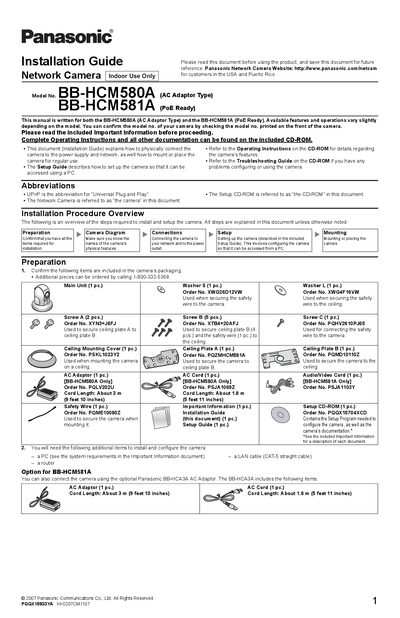
This guide explains how to physically connect the Panasonic BB-HCM580A and BB-HCM581A network cameras to power and network, and how to mount them for indoor use. It covers both AC‑adaptor installation for the BB-HCM580A and Power‑over‑Ethernet (PoE) setup for the BB-HCM581A, as well as optional accessories and safety wiring.
The document also details the external I/O interface, sensor connections, and mounting procedures for ceiling or table installations, providing part numbers, cable lengths, and safety warnings to ensure a reliable installation.
| Model numbers | BB-HCM580A (AC Adaptor Type), BB-HCM581A (PoE Ready) |
|---|---|
| Power options | AC adaptor for BB-HCM580A; PoE supported for BB-HCM581A |
| AC adaptor cord length | About 3 m (9 ft 10 in) |
| AC cord length | About 1.8 m (5 ft 11 in) |
| External I/O voltage | DC 10.5‑13 V |
| Maximum load on DC output terminal | 100 mA |
Use the included Panasonic AC adaptor (order no. PQLV202U) together with the supplied AC cord.
Yes, the BB-HCM581A can be connected to a PoE hub using a LAN cable.
The DC output terminal can supply up to 100 mA.