
This is a Memory Card Drive user manual for Panasonic, the product can read and write SD cards, including SD, SDHC, SDXC cards
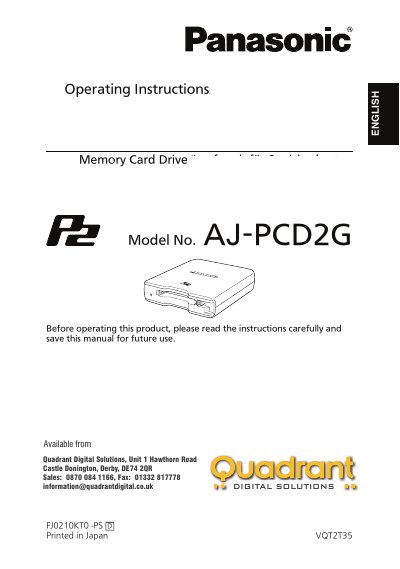
This manual provides the necessary steps to install, operate, and maintain the Panasonic AJ‑PCD2G Memory Card Drive. It covers driver installation for Windows and Macintosh, connection procedures, supplied accessories, and safety precautions.
The guide also includes troubleshooting tips, specifications, and service information, ensuring users can safely transfer P2 card data and understand the device’s operating environment and requirements.
| Rated voltage | 5 V DC |
|---|---|
| Rated current consumption | 0.5 A |
| External dimensions (W × H × D) | 97 mm × 25.5 mm × 113 mm |
| Weight | 200 g |
| Connector configuration | USB mini‑B connectors (2) |
| Operating temperature | 0 °C to 40 °C |
| Operating humidity | 10 % to 85 % (no condensation) |
| Supported operating systems | Windows XP Professional (SP3) 32‑bit, Windows Vista Business/Ultimate 32/64‑bit, Windows 7 Professional/Ultimate 32/64‑bit, Mac OS X 10.5.6, Mac OS X 10.6.2 |
Two USB 2.0 cables are required—one for the SIGNAL connector and one for the POWER connector.
No, only self‑powered USB hubs should be used with the device.
The device is rated at 5 V DC, supplied via the USB 2.0 connection.