
This is a user manual for Panasonic PV-GS70 Mini digital camcorder
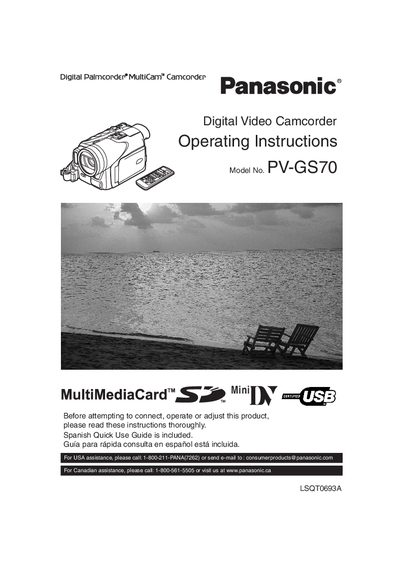
This manual introduces the Panasonic PV‑GS70 camcorder, covering safety precautions, proper handling, and basic setup. It explains how to attach accessories, insert cassettes, power the unit, and use the viewfinder, LCD monitor, and menu system.
Detailed sections describe recording modes (SP/LP), audio and video functions, battery charging, and troubleshooting steps for radio‑frequency interference. The document also includes licensing information for the bundled software and contact details for Panasonic support.
| Battery type | Lithium ion/polymer rechargeable battery |
|---|---|
| FCC compliance | Class B digital device, complies with FCC Part 15 |
| Model number | PV‑GS70 |
Use a commercial Palmcorder lens solution and lens paper; do not touch the lens surface with your fingers.
Unplug the camcorder from the power supply before cleaning.