
This is a study guide for Panasonic AG-HVX-200 HD CAMCORDER certification exam, which contains all essential information on the proper handling and use of the PANASONIC AG-HVX-200 HD equipment.
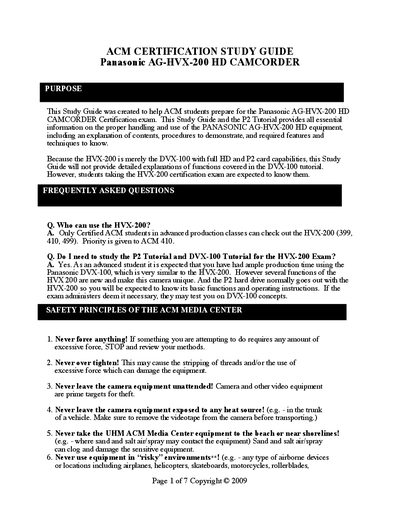
The Panasonic AG-HVX-200 HD Study Guide provides ACM students with essential information for the certification exam, including safety principles, handling procedures, and required knowledge of both the HVX-200 and its predecessor DVX-100. It outlines frequently asked questions, tripod setup, audio routing, and camera controls.
The guide also details camera menus, recording formats, aspect‑ratio settings, and P2 card handling, offering step‑by‑step instructions for formatting cards, playback, and advanced features such as Zebra exposure and ND filter adjustments.
| Aspect Ratio (HD) | 16:9 |
|---|---|
| ND filter step | 3 f/stops per setting |
Only Certified ACM students in advanced production classes can check out the HVX-200.
Yes, you are expected to study both the P2 Tutorial and the DVX-100 Tutorial.
Press the mode button, set it to MCR, open the menu, select Operation → Format, choose the slot and confirm.
The default Zebra exposure is set to 70%.