
SBG940 User Guide, includes configuration, installation, troubleshooting, etc.
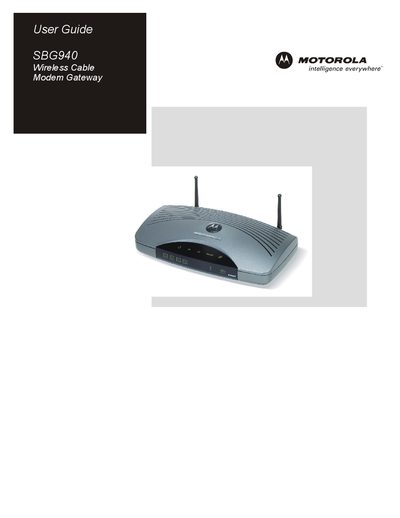
This guide covers safety precautions, installation, and basic configuration of the Motorola SBG940 wireless cable modem gateway. It explains how to connect power, cable, Ethernet, USB, and wireless interfaces, and includes warnings about fire, electric shock, and RF exposure.
The manual also describes the device’s features such as an integrated SURFboard cable modem, IEEE 802.11g wireless access point, four Ethernet ports, built‑in DHCP server, advanced firewall, VPN pass‑through, and port‑forwarding. Detailed instructions for setting up the Windows TCP/IP stack, USB driver, and wireless security (WEP/WPA) are provided, along with troubleshooting tips and a FAQ section.
| Ethernet ports | Four 10/100Base‑T uplink ports |
|---|---|
| Wireless standard | IEEE 802.11g (also supports 802.11b) |
| Maximum supported devices | Up to 253 computers |
| Antenna separation distance | At least 20 cm (8 inches) |
| DHCP server | Built‑in |
| Firewall | Advanced firewall with stateful‑inspection, intrusion detection, DMZ, DoS protection, NAT |
Read all instructions, avoid exposing the unit to rain or moisture, ensure proper grounding, use only supplied cables, and follow local wiring codes.
The SBG940 provides four 10/100Base‑T Ethernet uplink ports.
It supports IEEE 802.11g and is backward compatible with IEEE 802.11b devices.
The antenna must be at least 20 cm (8 inches) away from any part of a person’s body.