
The document is an installation and configuration guide for a camera product. It provides detailed steps and instructions to help users correctly install and set up the camera. Users need to insert the included CD-ROM and follow the instructions. The document also provides specific setup instructions for certain camera models.
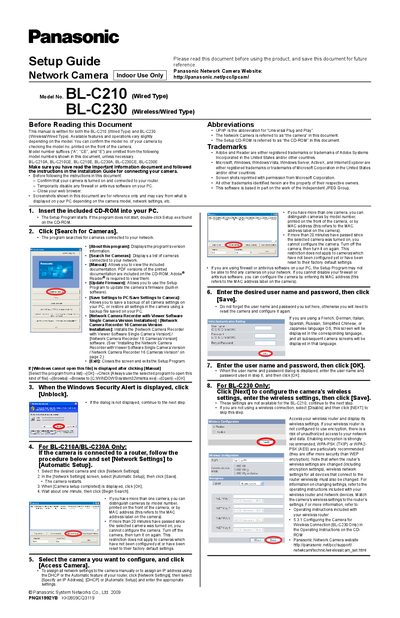
The guide explains how to start the Setup Program from the included CD‑ROM, locate your camera on the network, and configure basic network settings. It covers both the wired BL‑C210 and the wireless/wired BL‑C230, showing how to use Automatic Setup, assign IP addresses, and update firmware.
Further sections describe wireless configuration for the BL‑C230, date and time settings, Internet access with UPnP and Viewnetcam.com registration, and installation of the optional Network Camera Recorder software. Troubleshooting tips are provided for common connection issues.
| Model (Wired) | BL-C210 |
|---|---|
| Model (Wireless/Wired) | BL-C230 |
| Supported network protocol | UPnP (Universal Plug and Play) |
| Firmware update | Available via Setup Program |
Insert the included CD‑ROM into your PC; the Setup Program starts automatically, or you can double‑click Setup.exe on the CD.
After selecting the BL‑C230, click Next, enter the wireless settings, and click Save. If you are not using wireless, select Disable and click Next.