
This document is a product manual that provides instructions on how to use and operate the DMR-EZ485V DMR-EZ48V DVD Recorder. It also includes information on the supported region code and warranty details.
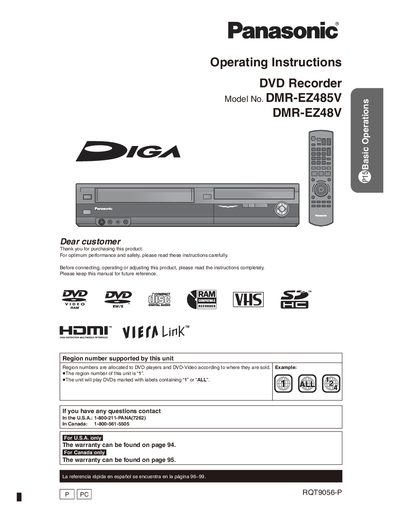
This manual covers safety precautions, installation, and connection options for the Panasonic DMR‑EZ48V DVD Recorder. It explains how to connect the unit to a TV, antenna, or external devices using HDMI, component, S‑Video, and audio cables, and provides wiring diagrams for typical installations.
The guide also details basic operation of the remote control, playback and recording functions, advanced editing features, and maintenance tasks such as cleaning the DVD lens and video heads. A troubleshooting section and FAQ address common error messages and interference issues.
| Region code | 1 (or ALL) |
|---|
It plays DVDs marked with region 1 or those labeled “ALL”.
Do not open the covers or remove screws; refer servicing to qualified personnel.
Reorient or relocate the receiving antenna, increase separation from the unit, or connect the unit to a different circuit.