
This document is a quick reference guide for Panasonic KX-T7625 KX-T7630 KX-T7633 KX-T7636 digital proprietary telephones.
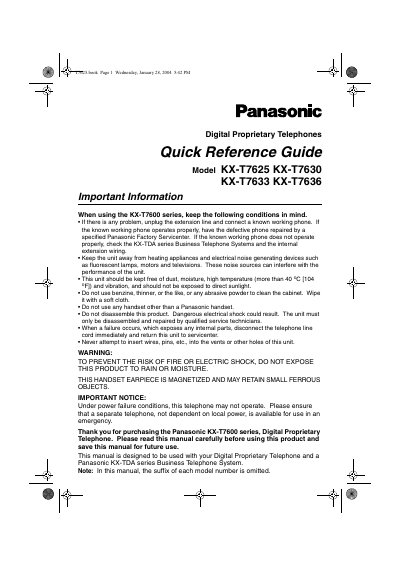
This quick reference guide provides essential information for using Panasonic's KX-T7625, KX-T7630, KX-T7633, and KX-T7636 digital proprietary telephones. It includes safety warnings, installation steps, feature descriptions, and programming instructions.
The guide also details optional accessories such as the USB module and add‑on key module, wall‑mounting procedures, tilt‑angle adjustment, and how to customize settings through the programming mode. Users are instructed to use only Panasonic handsets and to contact Panasonic service centers for repairs.
| Display | 6‑Line with Backlight (24‑CO) |
|---|---|
| Speakerphone | Integrated speakerphone |
| Optional USB Module | Available as an add‑on |
| Tilt Angle Adjustment | Four selectable angles |
| Wall‑Mounting Adaptor | Pre‑installed, removable |
No, only Panasonic handsets may be used with these telephones.
Lift the operation board to the desired step‑angle (1‑4) and press down to set it; lock the handset hook when at the highest angle.
Unplug the extension line and connect a known working phone; if the problem persists, contact a Panasonic service center.