
This document introduces the operating instructions of WV-NM100 network camera, including connection and operation methods.
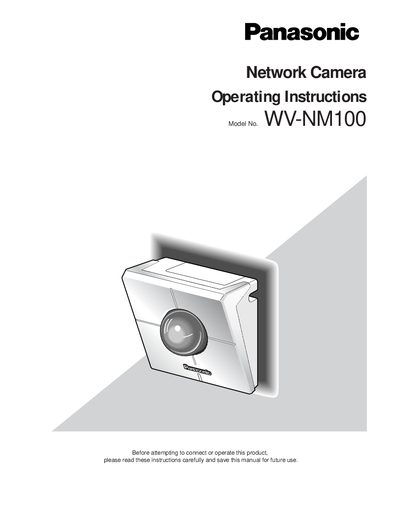
The WV‑NM100 is a network‑enabled camera that lets you view still and motion pictures via a PC web browser. It supports LAN and Internet connections, motion detection, alarm e‑mail notifications, and multi‑camera monitoring.
The manual covers safety precautions, installation, network configuration, basic and advanced settings, motion‑detection functions, firmware upgrades, and troubleshooting. It also lists the technical specifications and required PC environment for optimal performance.
| Input Power | 120 V AC 60 Hz |
|---|---|
| Operating Temperature | 0 °C – 40 °C (32 °F – 104 °F) |
| Maximum Humidity | Below 90 % |
| Backup Battery Life | Approximately 5 years |
| Required Ethernet Interface | 10/100 Mbps Ethernet board |
The camera should be used at temperatures between 0 °C and 40 °C and in environments with humidity below 90 %.
It requires a 120 V AC power source at 60 Hz.
The built‑in backup battery is rated for about five years of service.