
KX-T7667 Digital Proprietary Telephone User Guide, introduces the functions and usage methods of the phone, including dialing, answering, hanging up, call hold, call transfer, hands-free calls, call waiting, etc.
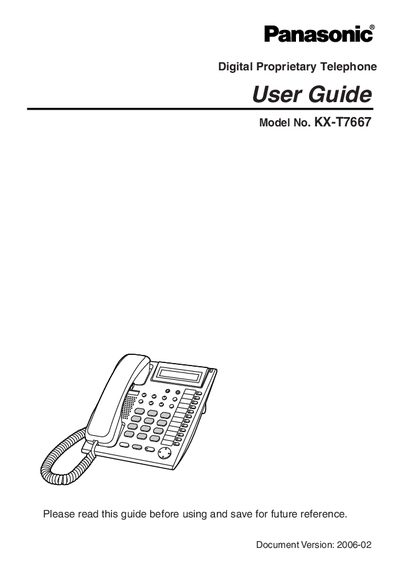
This user guide for the Panasonic KX‑T7667 business telephone details all available features, such as one‑touch dialing, speed dialing, call transfer, and conference functions. It explains how to use the various buttons on the handset and the base unit, including the LCD display, speakerphone, and programmable CO line buttons.
The guide also covers the programming mode, allowing users to set extension PINs, assign feature buttons, and configure call forwarding, do‑not‑disturb, and other system options. A reference section lists the dealer information and serial number location for future service needs.
| Model Number | KX‑T7667 |
|---|---|
| Display | LCD with backlight |
Press the PROGRAM button; it is used to enter and exit the personal programming mode.
In programming mode, select Extension PIN and enter a personal identification number up to 10 digits.